
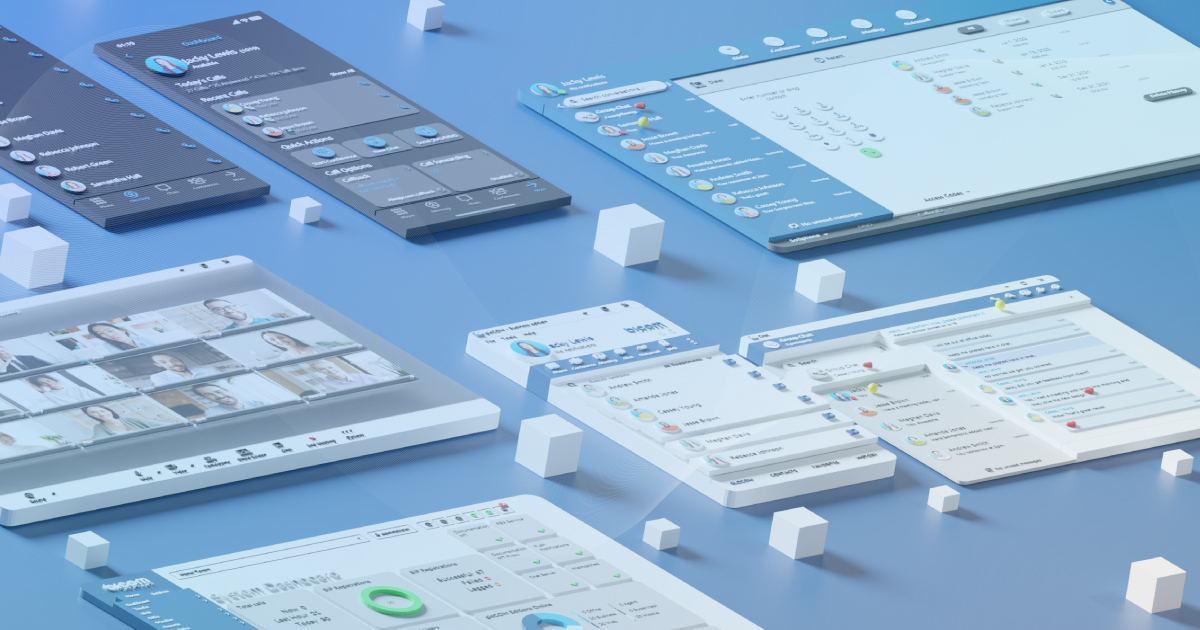
Every major release tells a story about where a platform is headed. With v8, the story is about integration, openness and connectivity.
More CRM systems working in parallel, more AI providers deployable without extra infrastructure, real-time call events feeding directly into the automation tools your customers already use, and a unified codebase bringing gloCOM Desktop and Web closer together than ever before.
v8 touches many layers of the platform: how CRM data flows across departments and devices, how contact center capabilities reach customers who never needed a full CC migration, how AI moves from a conversation topic into something partners can actually deploy and bill for.
Over twenty years, PBXware has grown from a voice PBX into a communication and collaboration platform. v8 is the release where that growth becomes most visible, not because of one breakthrough, but because of how many things now work better together.
In this post, we walk through the pillars of v8 and what they mean for partners building and growing their UC business.
AI That Works The Way You Do
The Voice Of The Future – The AI Voice Agent
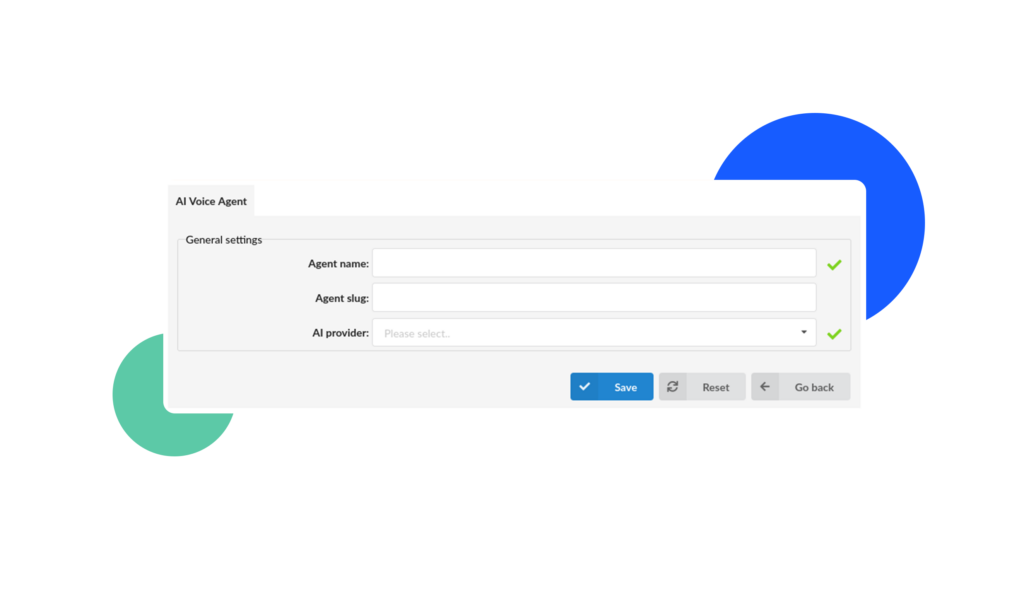
One of the standout features of v8 is the AI Voice Agent. It allows for a customer-oriented, AI-driven experience, delivered in a consistent tone (configured by the administrator in the back) that can help guide callers through a conversation by answering questions it was designed to, transfer the call to a more qualified department depending on the nature of the issue, and even end calls when a conversation completes successfully.
In addition, the AI voice agent can be given access to an MCP server which connects the AI Agent to external services, expanding its utility even further.
In order to track the efficiency of the AI Agent, we’ve also ensured that their calls are logged just like any other agent’s would and have made them distinguishable from human agents on the CDR page.
AI Agents used in business environments provide numerous benefits: from automating the menial tasks in order to divert the company workforce and its resources toward more complex initiatives, to improving overall customer satisfaction and achieving the ultimate goal – supporting a wide range of use cases across various industries and verticals.
The Home For All AI features – The AI Hub
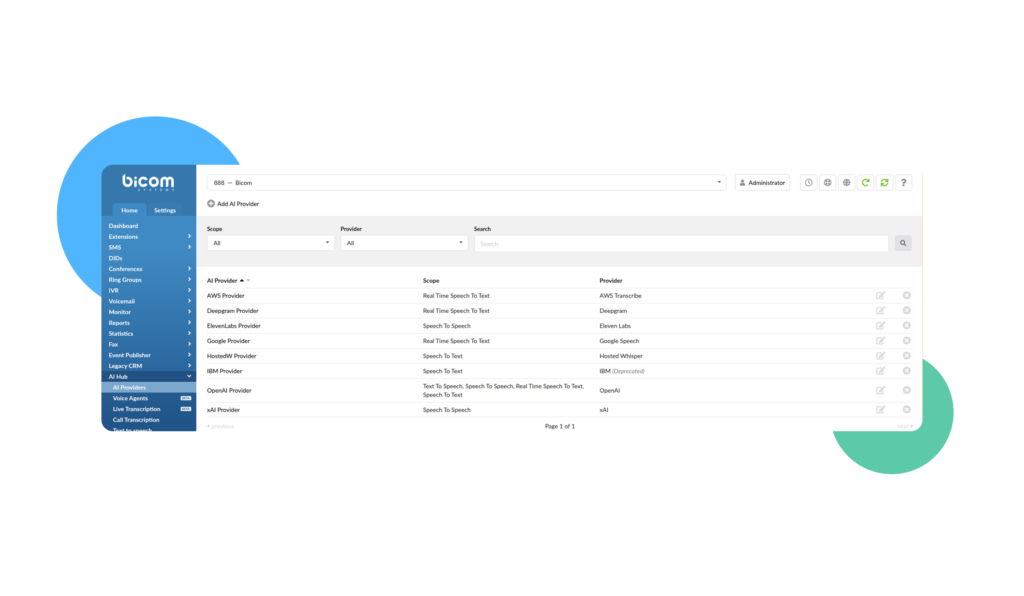
In previous editions, we’ve introduced our first suite of AI features: Call Recording Transcription and AI Voice Greeting Generation but the issue was trying to find them amidst everything else that the Bicom Platform had to offer.
With v8, we are consolidating them all under a new tab, the AI Hub, alongside the new AI Agent feature, as well as the AI Providers setting to make it easier to find, configure, and interact with our newest AI tools.
Per Tenant AI Providers
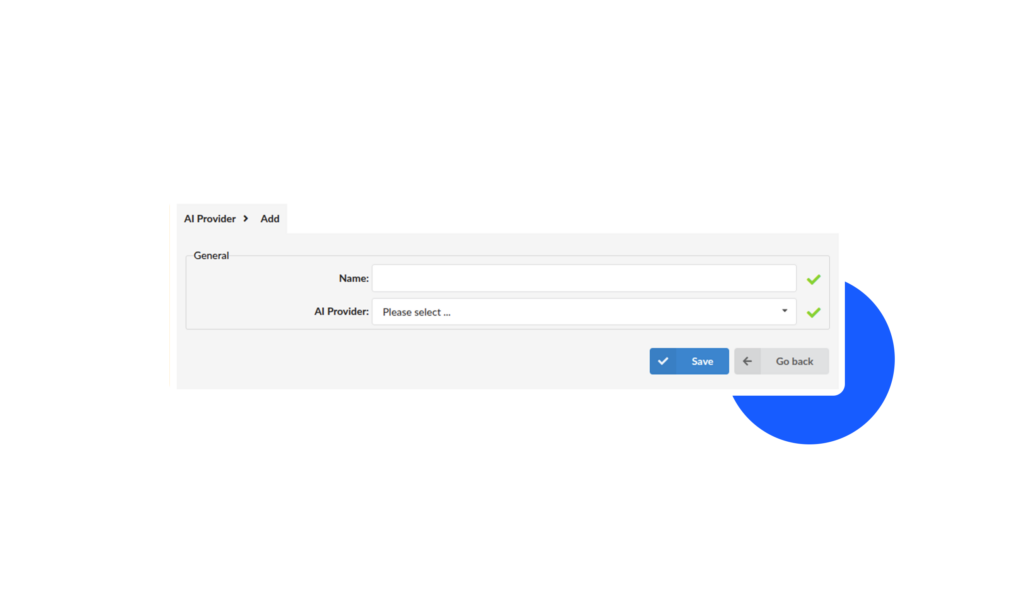
Another significant advancement introduced with v8 to PBXware is the change from per feature to per tenant AI providers.
This setup enables you to have both billing and advanced usage statistics per tenant (on the AI side) by using a different API key per tenant, ensuring better operational insights and more accurate billing.
Live Call Transcription
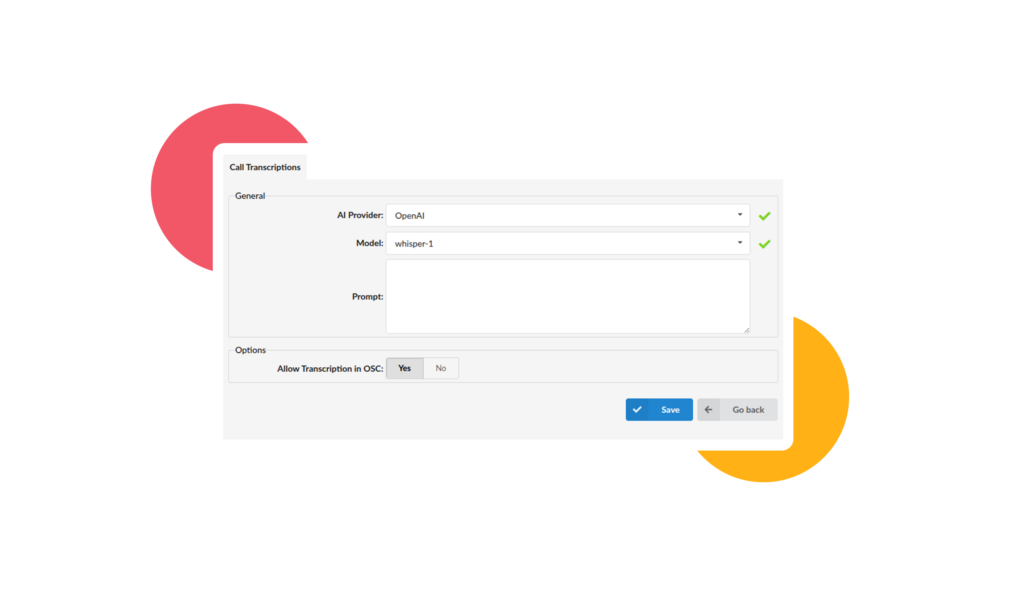
Provide more accessibility to calls with Live Transcription, enabling real-time speech-to-text for calls routed through an extension, ERG or Queue.
When enabled, PBXware captures live call audio and streams it to supported AI transcription services (AWS Transcribe, Deepgram, Google Speech, or OpenAI). Transcription results are generated continuously during the call and forwarded in real time to a configured WebSocket callback endpoint, ensuring instant availability of live text data.
This enables users to follow conversations as they happen, improving accessibility, monitoring, and integration across business workflows.
Event Publisher
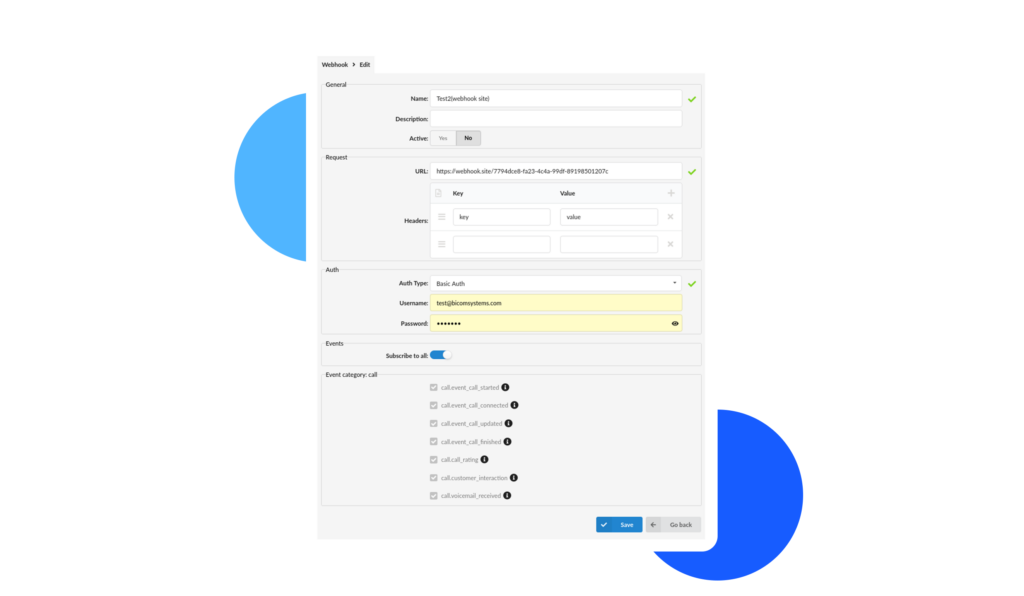
v8 introduces Event Publisher, a standout new feature of this release. It allows users to integrate their own backend server and handle call event data exactly as needed, giving them full control over how information is processed.
With real-time event delivery, any change in call flow creates an event instantly, eliminating the need for custom workarounds, polling, or delays, and enabling faster and cleaner integrations as well as a more responsive call architecture.
Works with tools you already use, connecting with popular low-code and no-code automation platforms.
Your PBX is no longer just recording activity.
It’s driving it.
CC Lite
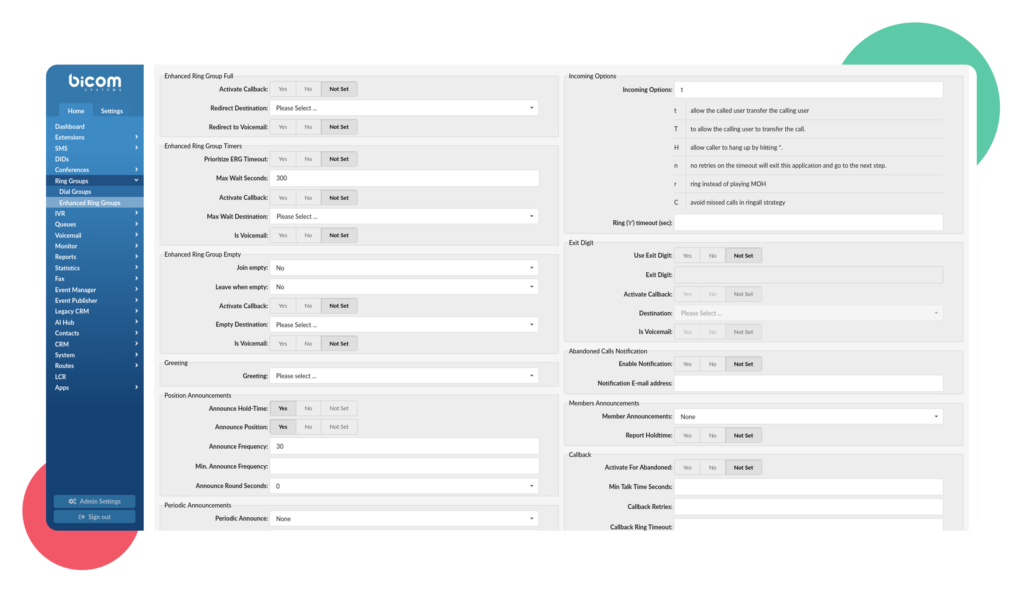
Gain access to Contact Center’s enhanced monitoring and reporting capabilities across all editions, with main focus on PBXware MT and Business, through CC lite.
https://www.youtube.com/watch?v=UsI8GzFmLpoIt enables non-CC users to experience some of CC edition’s best features like: Wallboards and additional ERG dashboards (gloCOM web & Desktop), Scheduled Reports for ERG and Extension statistics, and the ERG callback feature.
This allows you to upsell key Contact Center capabilities on a per-tenant basis without migrating entire customer bases to the CC edition, helping you protect margins by avoiding additional licensing and infrastructure costs. Additionally, you can retain customers in a multi-tenant environment while effectively supporting small and growing contact centers that need greater visibility without added complexity.
A New CRM Integration Module
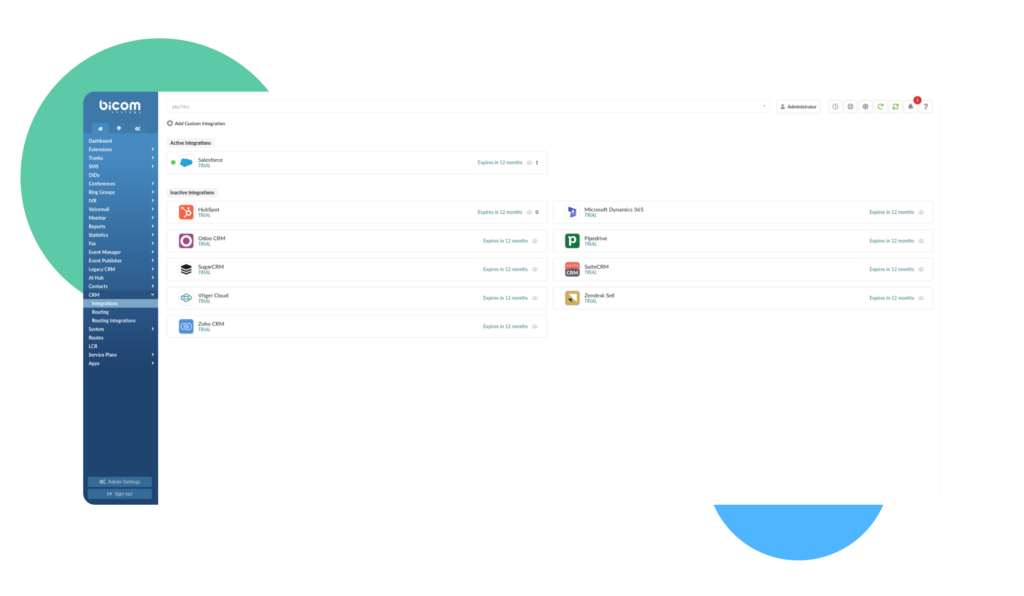
v8 also introduces a new, completely redesigned CRM Module, available in gloCOM Web and the new gloCOM v8 Desktop app.
What this solves for you and your customers:
- No more choosing one CRM for all departments
- No more shared CRM credentials or permission conflicts
- No more missed conversation logs, or customer history
- No more custom workarounds for multi-CRM environments
It comes with a few key improvements like: supporting multiple CRM integrations per tenant and per system depending on edition, flexible authentication methods, permission groups, automatic conversation logging for both Voice and Messaging channels, a unified CRM widget and a configurable CRM data model.
It is intended to provide improved flexibility, stability and UX across the board and to exist alongside the legacy CRM integration module to ensure full backwards compatibility.
CRM Routing
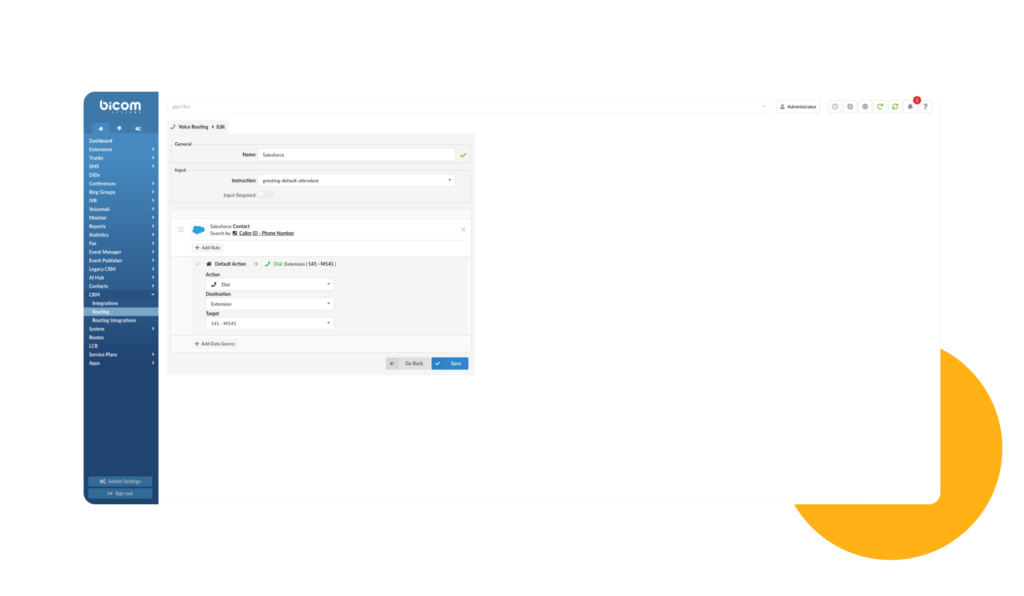
Another improvement coming to CRMs is CRM Routing which introduces inbound call routing dependent on real CRM data instead of static IVR logic, and allows incoming calls to be automatically directed based on customer information stored in connected CRM systems.
Admins have full flexibility in rule configuration when defining what happens when a recognized customer calls within PBXware.
Additionally, the feature works consistently across all supported CRM integrations.
This eliminates the need to standardize on a single CRM across departments, removes reliance on shared credentials, and ensures complete, accurate conversation histories without missed logs. All of this while also doing away with custom workarounds previously required to support multi-CRM environments, ensuring faster CRM deployments and less support tickets to manage.
Stereo Call Recordings
With v8, the Stereo Call Recordings Feature is out of Beta and is available to everyone, allowing them to record each side of the conversation on separate audio channels which helps greatly enhance AI transcription accuracy, general training and improves CRM integration.
Taking the next step forward with gloCOM NEXT
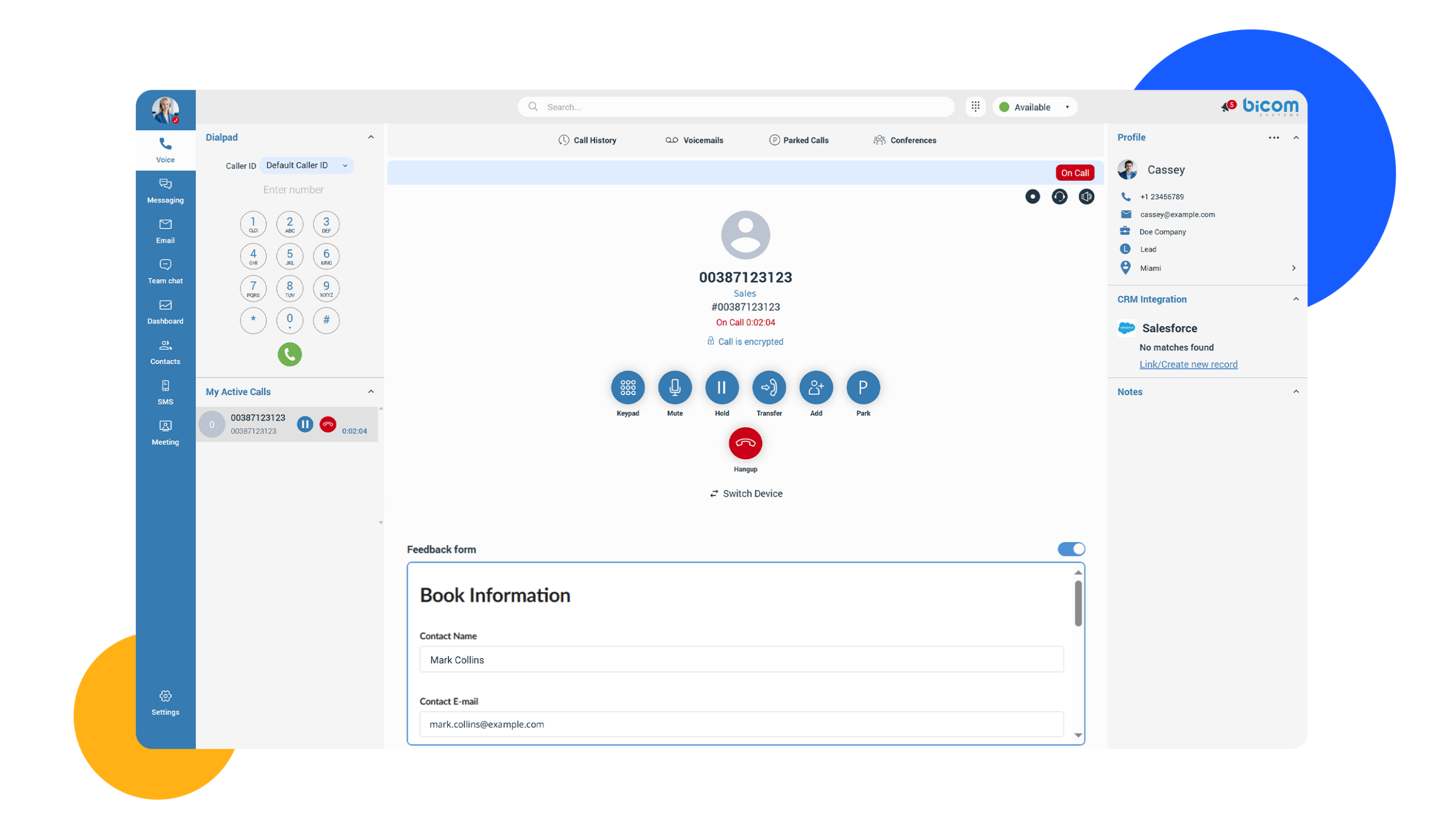
Version 8.0 has also focused on big changes with the Web & Desktop versions for the new gloCOM App, giving them a modern touch-up. Now, you can keep everything within reach with a unified codebase and CC features available on both platforms.
It also features the new ‘Unified Contacts’ functionality which replaces the legacy Central Phonebook and introduces a more structured visibility model for more robust contact management alongside the aforementioned CRM integration module.
gloCOM NEXT also allows you to fully brand your desktop app with your own colors with changes visible in real-time through the BRM, helping improve your white-label offerings and shortening go-to-market cycles.
Keeping Up To Speed With Regulations – Custom Middleware Enablement For Dispatchable Locations
Like with every release, the Bicom Platform has also been updated to comply with the latest regulatory requirements – Ray Baum’s act in particular.
By introducing support for custom middleware apps in the “Dispatchable locations” setup process, partners can now seamlessly integrate with providers that require location data to be registered and validated on their platforms.
This approach enables synchronization of dispatchable location information between PBXware and trunk providers, even with each of them using a different API, ensuring consistency and resulting in a more adaptable, user-friendly solution.
And More…
These are only some of the more standout changes that have been introduced with the release of 8.0. Here are a few more notable inclusions:
- The ability to automatically log out the plugin on gloCOM for Teams when the Teams desktop app is closed to stop the user from receiving calls(disabled by default).
- The Call Parking enhancement on gloCOM GO (iOS and Android), which allows users to park active calls directly from the call screen without having to dial an extension code.
- The addition of Concurrent Archiving which utilizes multiple workers (configurable at any given time on the admin side) in order to process call recordings as they’re offloaded.
As always, plenty of other bug fixes, quality of life changes and feature updates have also been implemented to ensure smoother workflows and less tedium during app interaction.
These changes should further enhance your experience with the Bicom product suite as a whole, as well as make your work easier going forward.
We look forward to seeing your feedback on these new additions and hope that the changes in v8 have increased your overall enjoyment of our products. If you have any extra questions, feel free to Contact Us.